Integration Guides
Business, Mobile and Web Apps
The most common use case for cidaas is to provide single sign on. Login once and grant access to different applications. cidaas is based on the OAuth 2.0 and OIDC standards, which provide an easy and secure way to integrate it in your business applications. No OAuth/OIDC — no problem: we also support SAML or find a custom solution with you.
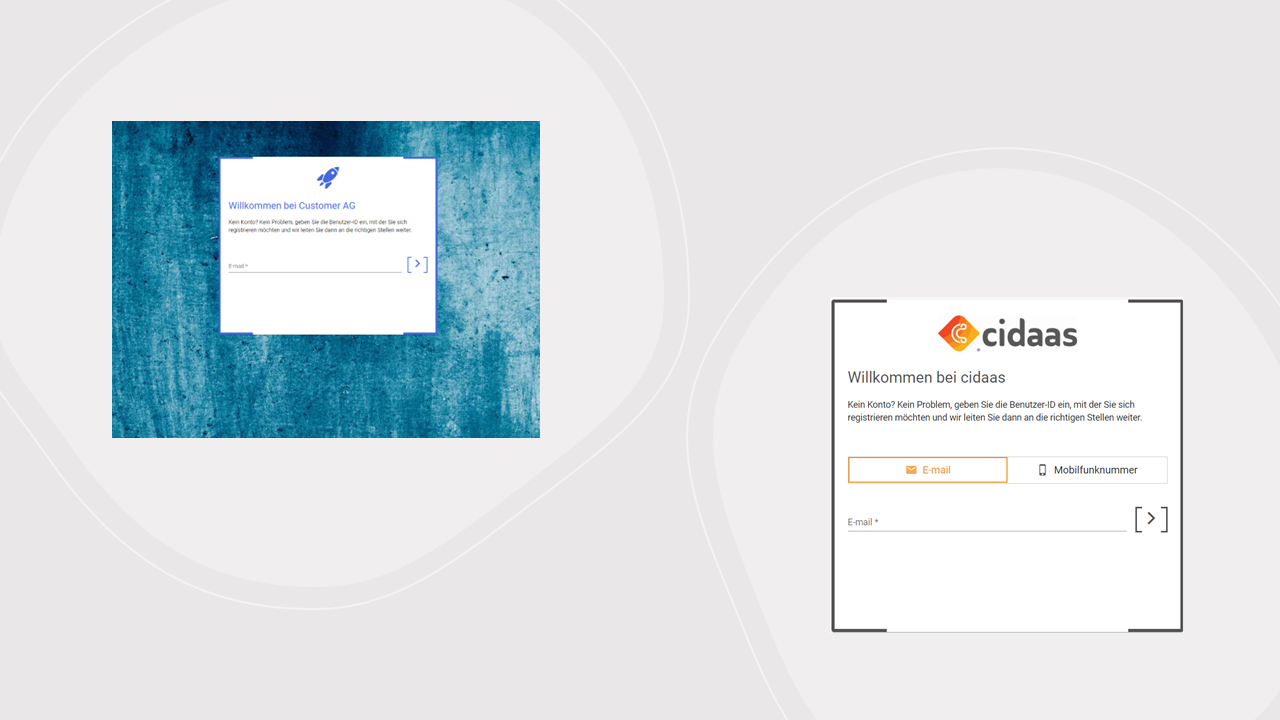
Login and registration are handled on centralized pages to separate user credentials from business applications. These pages could be specific to an app, channel, or designed uniformly to strengthen recognition and familiarity. Changes in login or registration can appear in every application quickly and with less effort.
Benefits:
- Single sign on — SSO
- Unified login and registration mechanism
- Separate user credentials from business logic
- Adapt login & registration flows quickly and easily
- Group and role restrictions
Application-specific backends
One target of integrating cidaas should be a centralized master user identity used by all your applications. There can still be cases with legacy systems or architectural reasons where user data must be shared with application backends. In that case cidaas should be master after go-live: updates in applications must also be sent to cidaas.
During a bidirectional sync migration, legacy and cidaas may act as co-sources until the last application is cut over. After cutover, treat cidaas as the identity master and stop the sync.
Secure not only portals but also backend APIs with tokens, scopes, and roles. How-to and sequence diagrams: Integration Roadmap — Application-specific backends.
Benefits:
- Link identity to application data
- Share identity data to further systems
- Support legacy systems
Customer Relationship Management
Order history, payment data, or product-specific user data belong in a CRM — not in cidaas. cidaas creates a unique identifier (sub) for each account; link that sub to the CRM identity.
cidaas notifies other systems via webhook events (for example user create, update, delete). Details and flows: Integration Roadmap — CRM.
Benefits:
- Link identity to business data (order data)
- Separate user data and personalized business data
Marketing Tools
cidaas sends emails by default via a system provider. Templates, sender configuration, and volume can be configured. You can also reuse existing marketing tools for centralized templates — registration/login related, newsletter, or other campaigns.
Details: Integration Roadmap — Marketing tools.
Benefits:
- Send emails and SMS through your known marketing tool
- Manage newsletter consents during registration or in the user profile
Reporting Tools
Metrics such as number of users, number of logins, or number of registrations help many departments (for example campaign success). cidaas provides built-in reports and about 100 webhook events so you can feed your own reporting tool.
Details: Integration Roadmap — Reporting tools.
Benefits:
- Real-time reporting
- Customer-specific, independent reporting
Planning your integration
- Integration Checklist — high-level kickoff topics to clarify before implementation
- Integration Roadmap — go-live style, data migration approach, app integration, and system landscape
- Instance Setup — configure hosted pages, fields, consents, verification methods, and applications
Integration Best Practices
Whether you migrate legacy data or start fresh, use these guides during configuration and application integration:
System Integration - External systems, profile pages, and support tools
- External Systems Integration - Integrate with CRM, marketing tools, and reporting systems
- SAML Integration Steps - Connect cidaas to external systems via SAML 2.0 SSO
- SCIM 2.0 User Provisioning - Inbound user/group provisioning from identity providers and other SCIM clients
- Profile Page and User Self-Service - Configure user profile pages for self-service management
- Backoffice and Support Tools - Set up support workflows and access to reports
Core Configuration - Hosted pages, domains, permissions, and consents
- Hosted Page Decisions - Choose and configure your login/registration pages
- Custom Domain - Set up custom domains for branded experiences
- Permissions and Group Concept - Manage access control
- Group Role Restrictions — Integration Examples - JWT claims, framework examples, and runtime verification
- Consent Configuration - Handle user consents and GDPR compliance
Client-Specific Integration - Mobile apps, email/SMS, and impersonation
- Mobile and Native Clients - Best practices for mobile apps (PKCE, browser login)
- Native App Cutover (Migration) - Legacy IdP cutover and refresh-token import
- Email and Mobile Number - Verification strategies
- Impersonation - Support user impersonation
Ready-to-Use Plugins - Pre-built integrations for popular platforms
- Shopware Plugin - E-commerce integration
- WordPress Plugin - CMS integration
- TYPO3 Extension - Enterprise CMS integration